The sidebar
Home is the landing screen: your calendar for the day, if you have one connected, and your recent calls. Personal holds calls that aren't in a project yet. Below that, every project you have access to, and New project.
Search
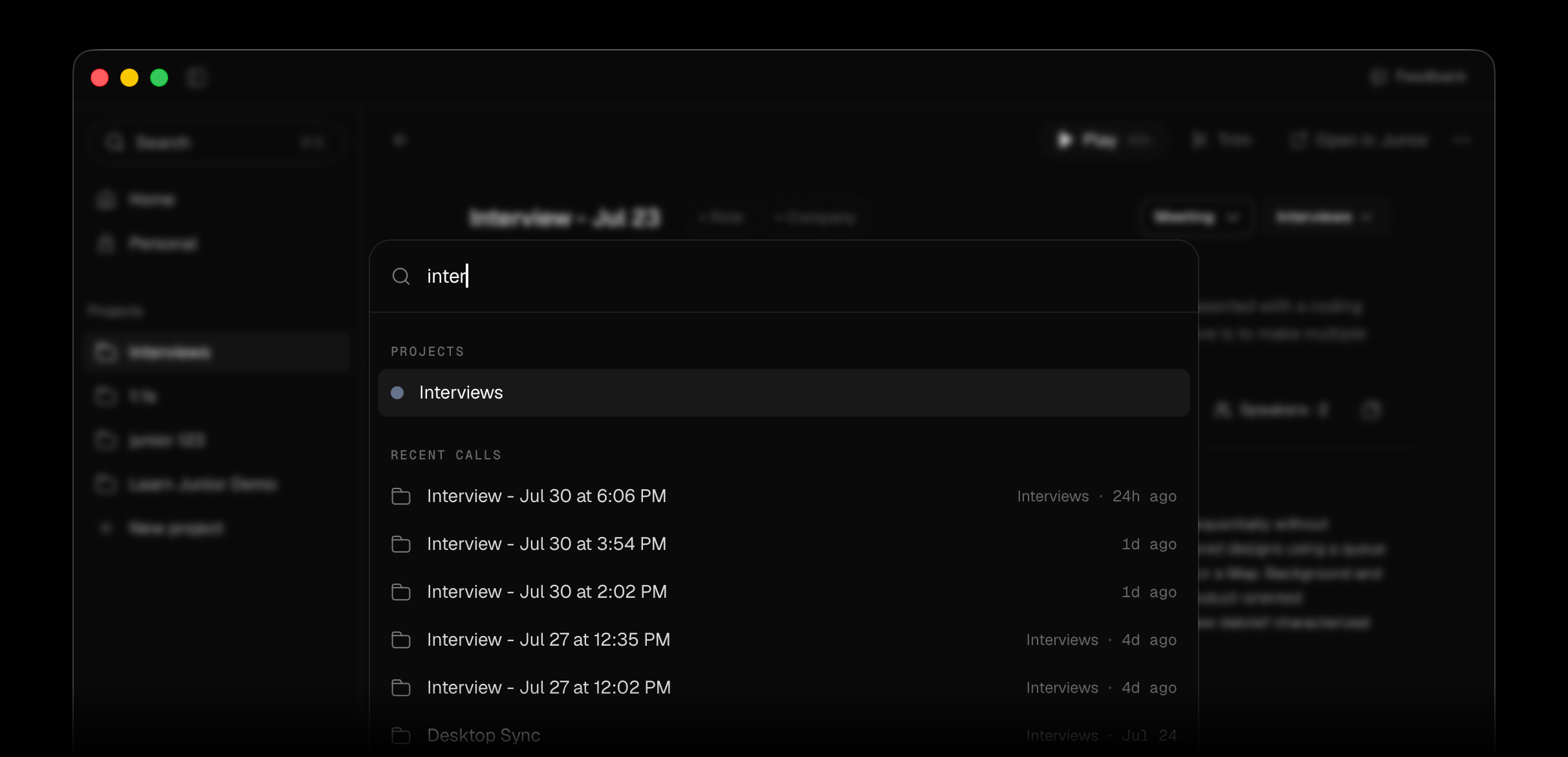
⌘+K / Ctrl+K opens the search palette. It covers projects, calls you have access to and quick actions (including starting a recording), so it's usually faster than clicking
through the sidebar. Nothing matching reads No matches, with the hint to try a project
name or part of a call title.
Inside a project
Search calls filters the project. Calls are grouped into upcoming and Past calls, and long lists load more as you scroll.
Questions
What's Personal for?
Calls that haven't been filed into a project. Junior describes them as calls to file when you're ready. It's a staging area rather than a project. File things out of it so the people who need them can find them.
Why can I not see a project a colleague can?
You see projects you've been given access to, so lists differ between people. Whoever set the project up can add you.
I can't find a call I know I recorded.
Check Personal first. An unfiled call isn't in any project. If it isn't there
either, it may not have finished uploading, so look in Saved Calls (⌘+3 / Ctrl+3) for
something still queued. See
a recording won't save.