Recording never needs a connection. Only uploading does. If you save a call with no signal, Junior keeps the audio on the phone and tells you so:
No internet connection. Your recording has been temporarily saved to this device. You can upload it when you're back online from the Upload Queue.
Sending them later
You don't have to. Junior uploads whatever is queued as soon as there's a connection again, or the next time you open the app. To push one through yourself rather than waiting:
- Open the settings drawer from the icon in the header.
- Tap Upload Queue.
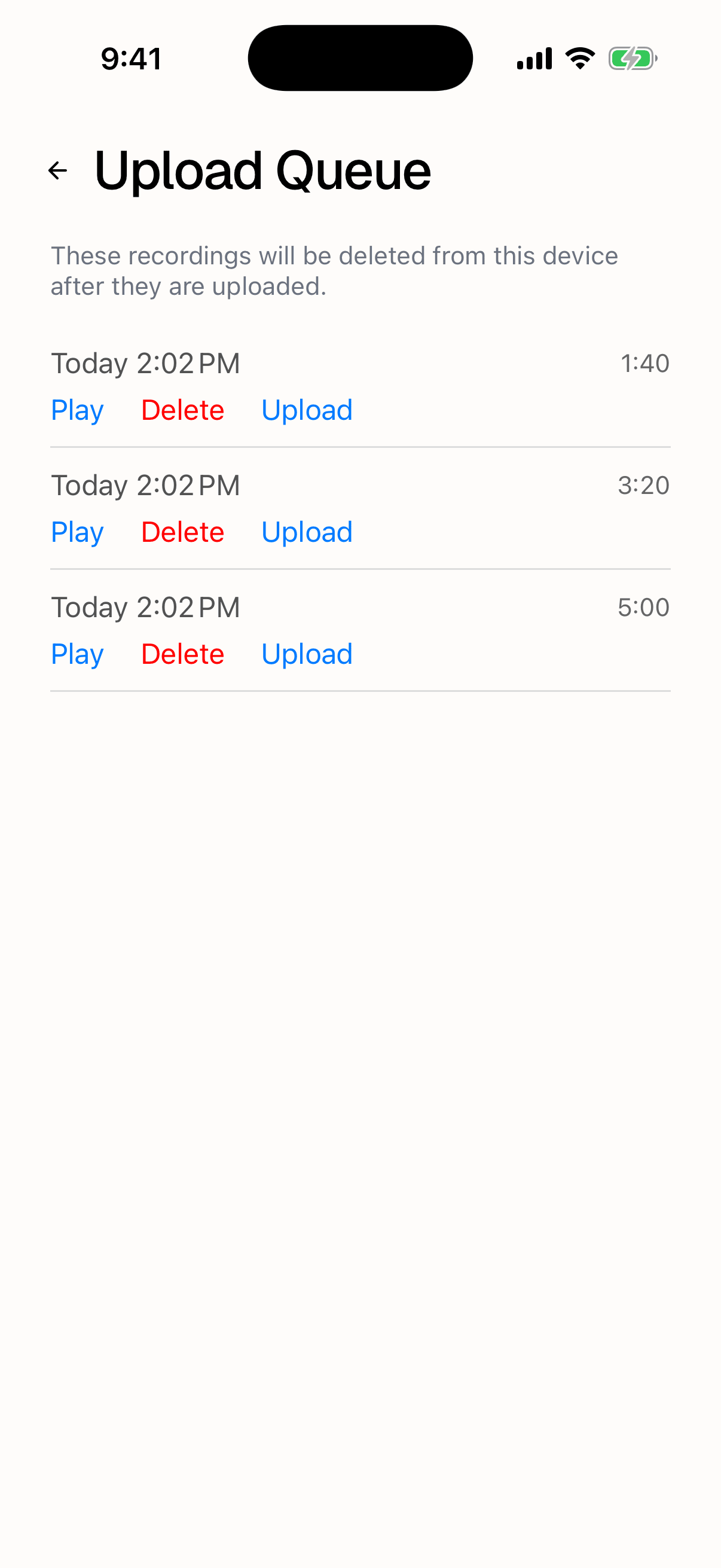
- Tap Upload on any recording in the list.
The queue lists every recording still on the device. Each row can be played back before you send it, and deleted if you don't want it. Junior notes that "These recordings will be deleted from this device after they're uploaded." An empty list reads No recordings found, which is the state you want: it means nothing is stranded.
Questions
Does Junior retry a failed upload on its own?
Yes. Anything left in the queue is sent again the moment the phone is back online, and again at startup if it was still waiting. Most recordings that fail offline go through in a later session without anyone touching them. The queue is there for when you'd rather not wait, and for checking nothing is stranded.
I retried an upload and now I have the same call twice.
That can happen. Retrying from the queue sends the recording as a new call rather than resuming the old one, so if the first attempt reached Junior before it reported a failure, you end up with two. Delete whichever copy you don't want. If you aren't sure the first attempt failed, check the project before retrying.
Is it safe to record somewhere with no signal at all?
Yes, and it's a normal thing to do. The recording is written to the phone as it happens and doesn't depend on a connection at any point. Only the upload does. Remember to send it once you're back in signal.