The first time you tap the record button, your phone asks whether Junior may use the microphone. Allow it and recording begins straight away. There's nothing to set up in advance, and Junior only asks once.
If you said no
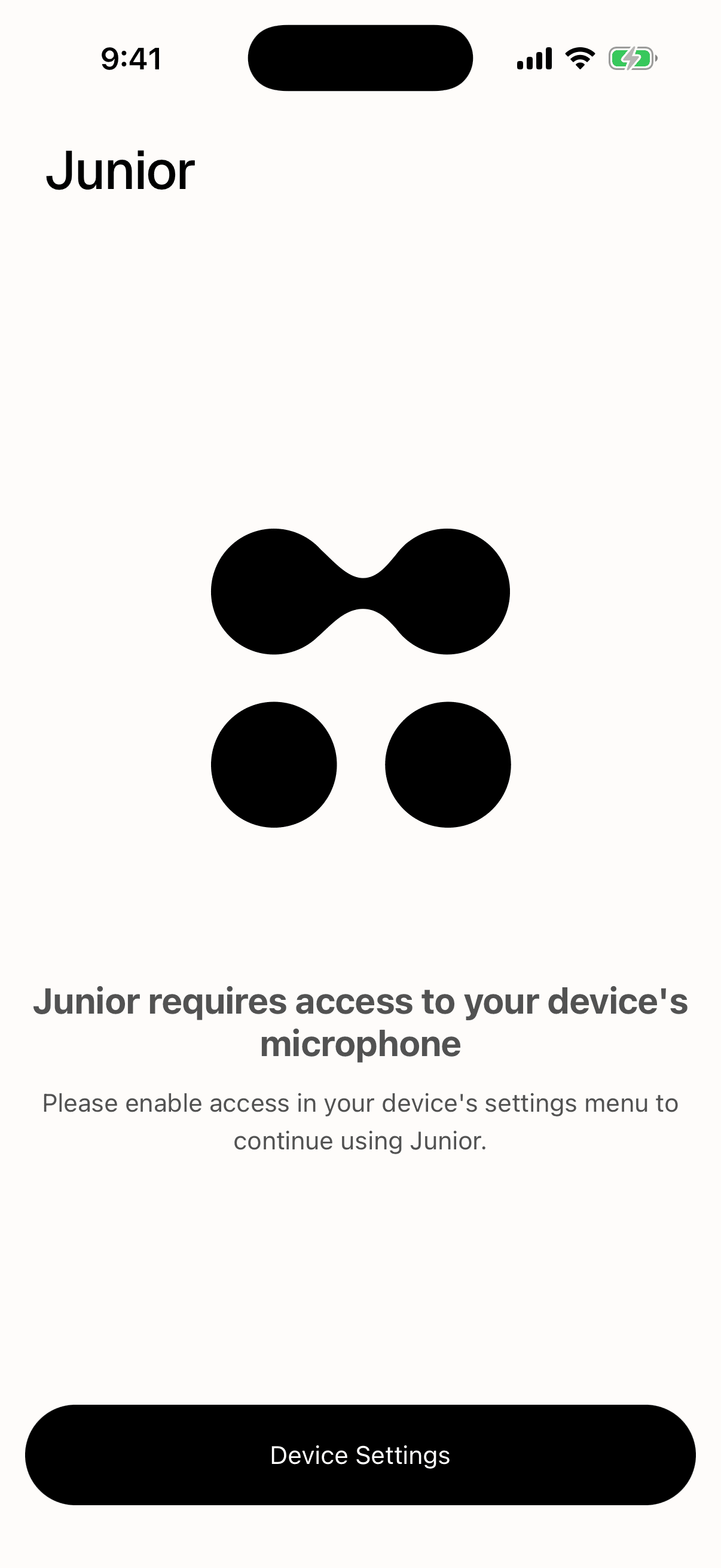
Junior shows a screen headed "Junior requires access to your device's microphone", with a Device Settings button that takes you to the right place in your phone's settings. Turn the microphone on for Junior, come back to the app, and it picks up where it left off. You don't have to restart anything.
Questions
Why does Junior only ask when I start recording?
Because that's the first moment it needs the microphone. Asking at sign-in would mean asking for something you might never use that session, and permission prompts that arrive without an obvious reason are the ones people decline.
Does Junior listen when I'm not recording?
No. The microphone is only opened when a recording is running, and it's released when you end or discard one. There's no background listening, no wake word, and nothing is captured between recordings.
The microphone toggle for Junior is grayed out.
Your firm manages your phone and has set that centrally, which you can't override from the device. Your IT team has to allow it. This is different from your firm turning off recording in Junior itself. If that has happened you'll see recording is turned off for my organization instead.